Smart template-based workflows
From standard to signed record, in one place
How TaskOptic controls the engineering work between your QMS and your MES: the standard, the program, the gate, the failure and the record.
Turn on only what you use: every module can be switched off per company, including the AI features.
Build the process the way engineers think
A template is an outline of sections and steps. Drag to reorder and nest, indent with the keyboard, undo anything. Each step has a type: pass/fail, a number with nominal and tolerance, options, a file, or a signature. Each step also has instructions and a required flag. Discipline and planned dates set on a section apply to every step inside it unless a step overrides them.
- Standard Template Library: EMS NPI, APQP automotive, APQP aerospace (AS9145), medical design transfer and process validation, Stage-Gate, engineering change order. Save your own approved templates into it for every site to start from.
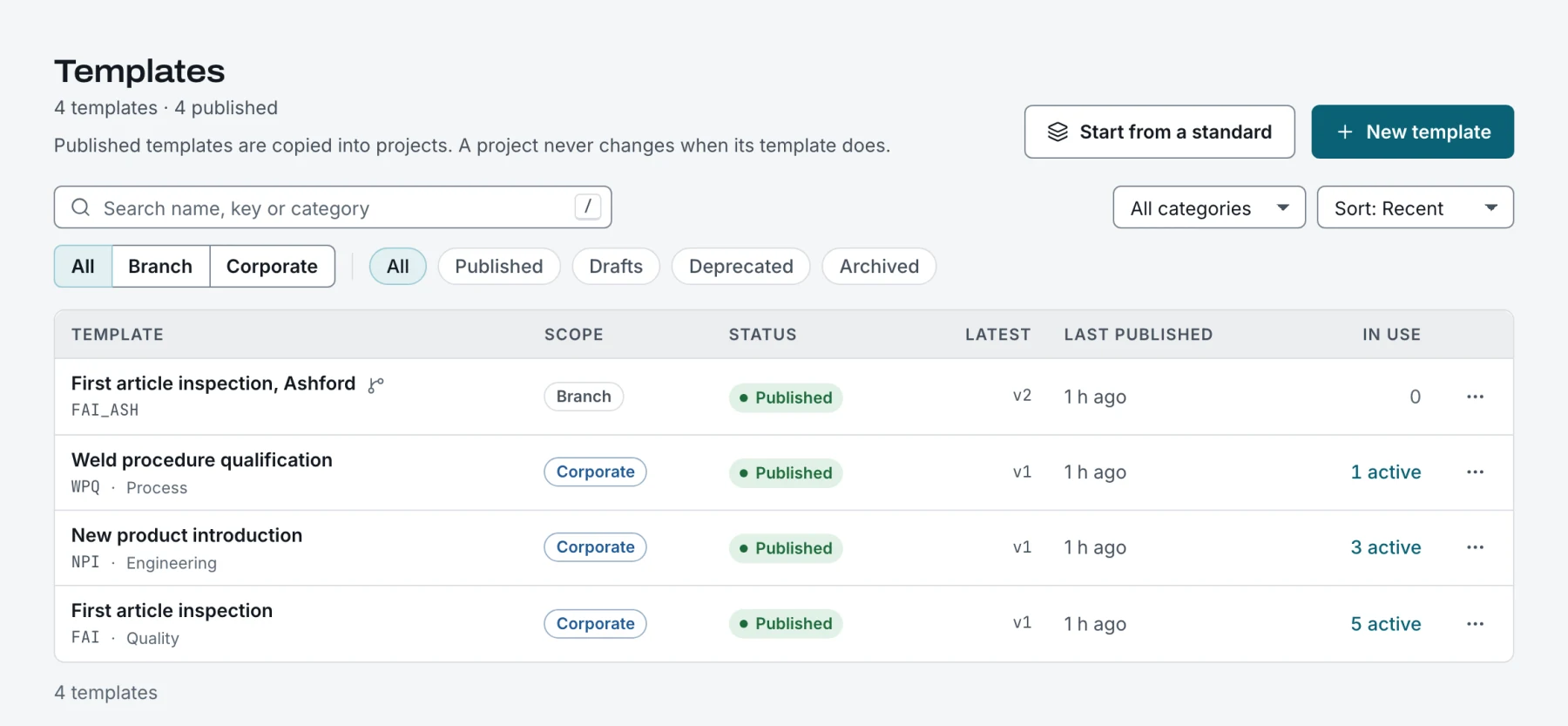
- Template types (NPI, FAI, ECO, APQP and your own) number templates and projects for you: NPI-01 at head office, NPI-ASH-01 at a site
- Edits save to your private draft until you publish or submit
- Each version records what changed; usage shows which projects run on it
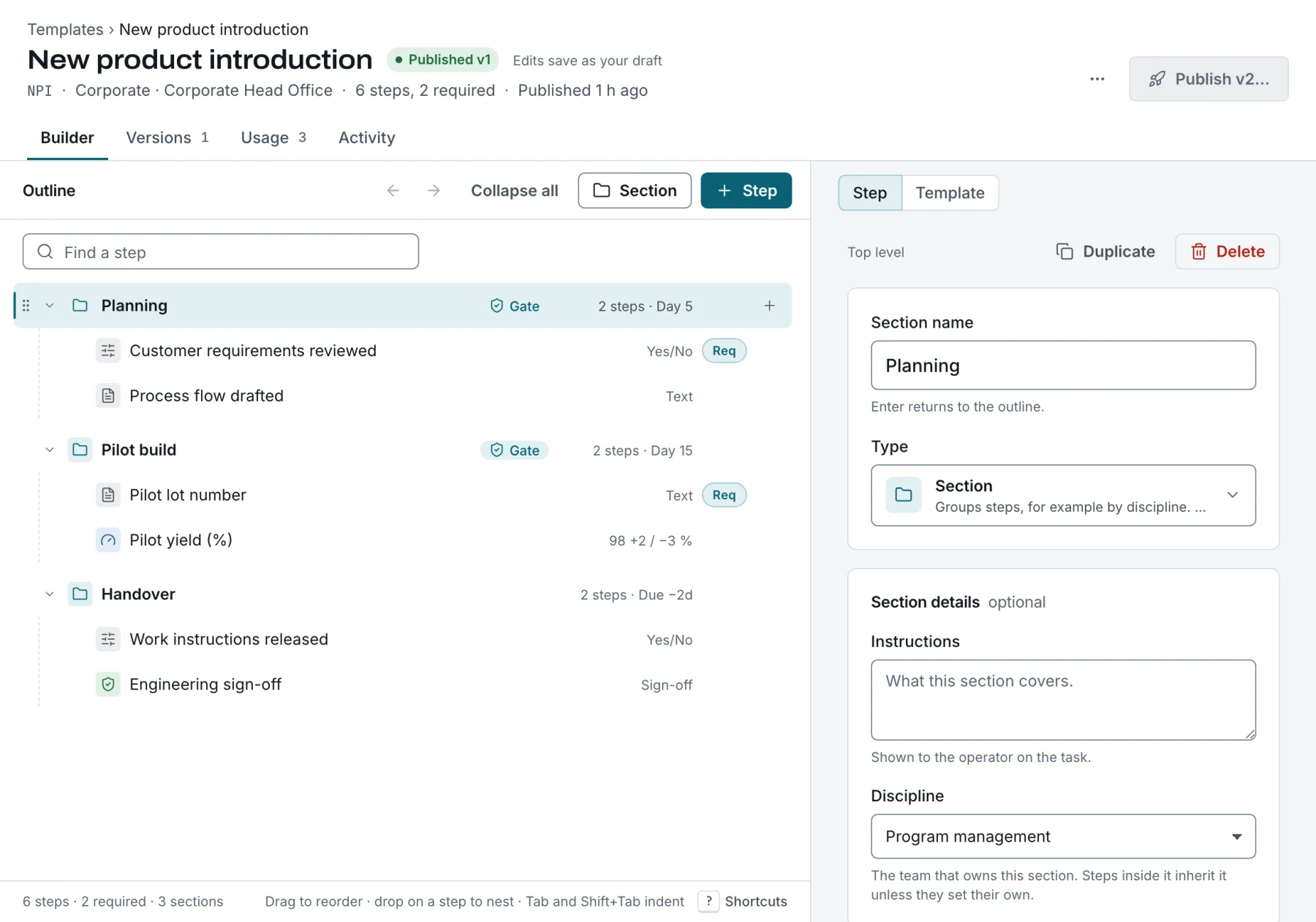
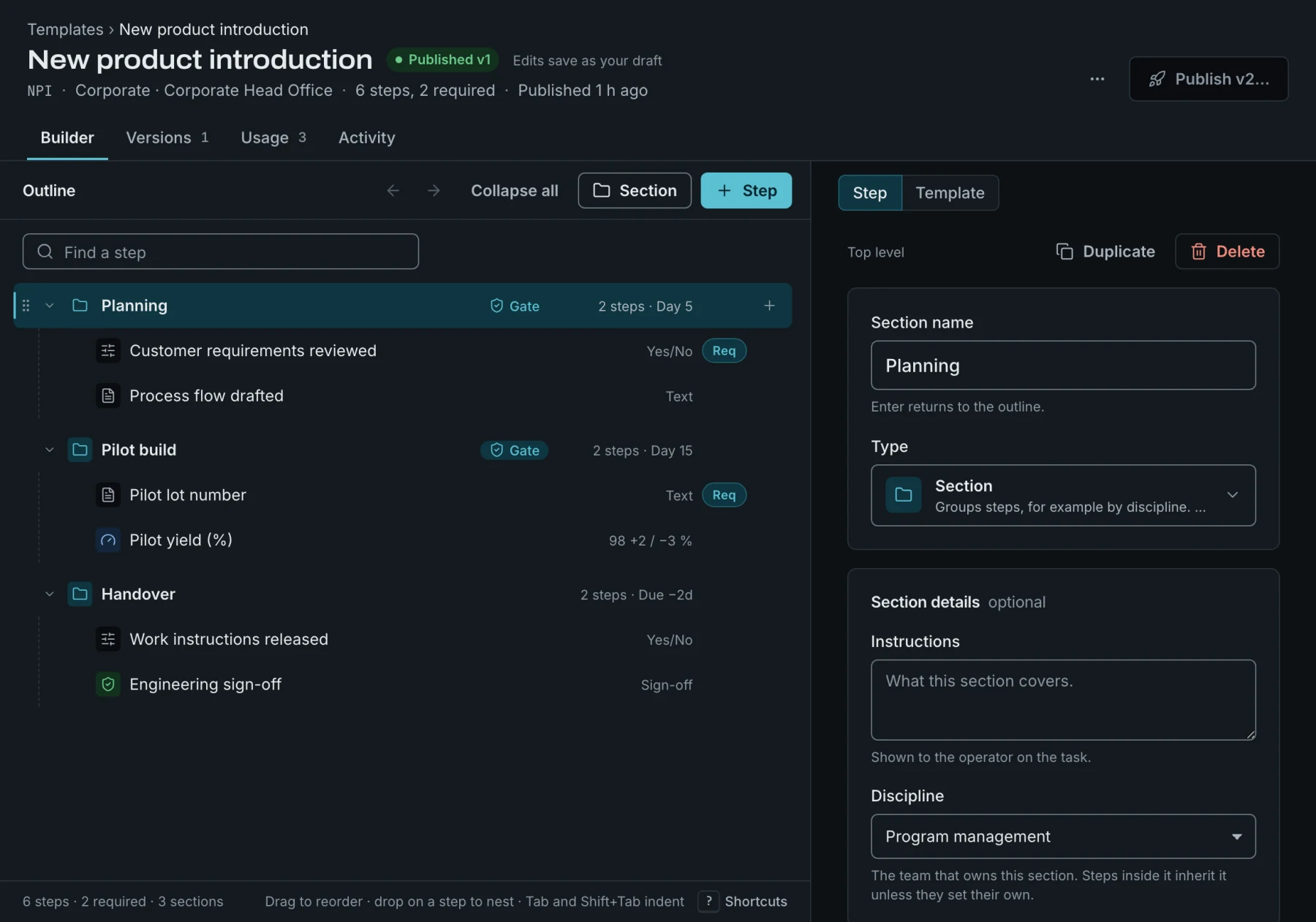
1Template builder: phases with gates, typed steps, a number step with tolerance.
Approve templates like the controlled documents they are
Choose one of three modes for your company:
- publish directly;
- one approver who is not the author;
- reviewer, then approver, three different people.
Every submission needs a change reason and can carry an effective date. Reviewers and approvers sign with their password and an authenticator code. A version approved for a future date waits; projects keep using the current one until then. Rejected and withdrawn versions stay in the history and their numbers are never reused.
- Separation of duties enforced by the system
- “Awaiting review” list for everyone who can act
- Email and in-app notifications at each stage
Head office sets it. Every site uses it.
Corporate templates are visible to every branch. A branch copies one to adapt it locally, and the copy keeps its lineage to the corporate source. Group branches into regions; a regional manager sees and works in every branch of the region. Publishing is a permission you grant per branch or region, separate from drafting.
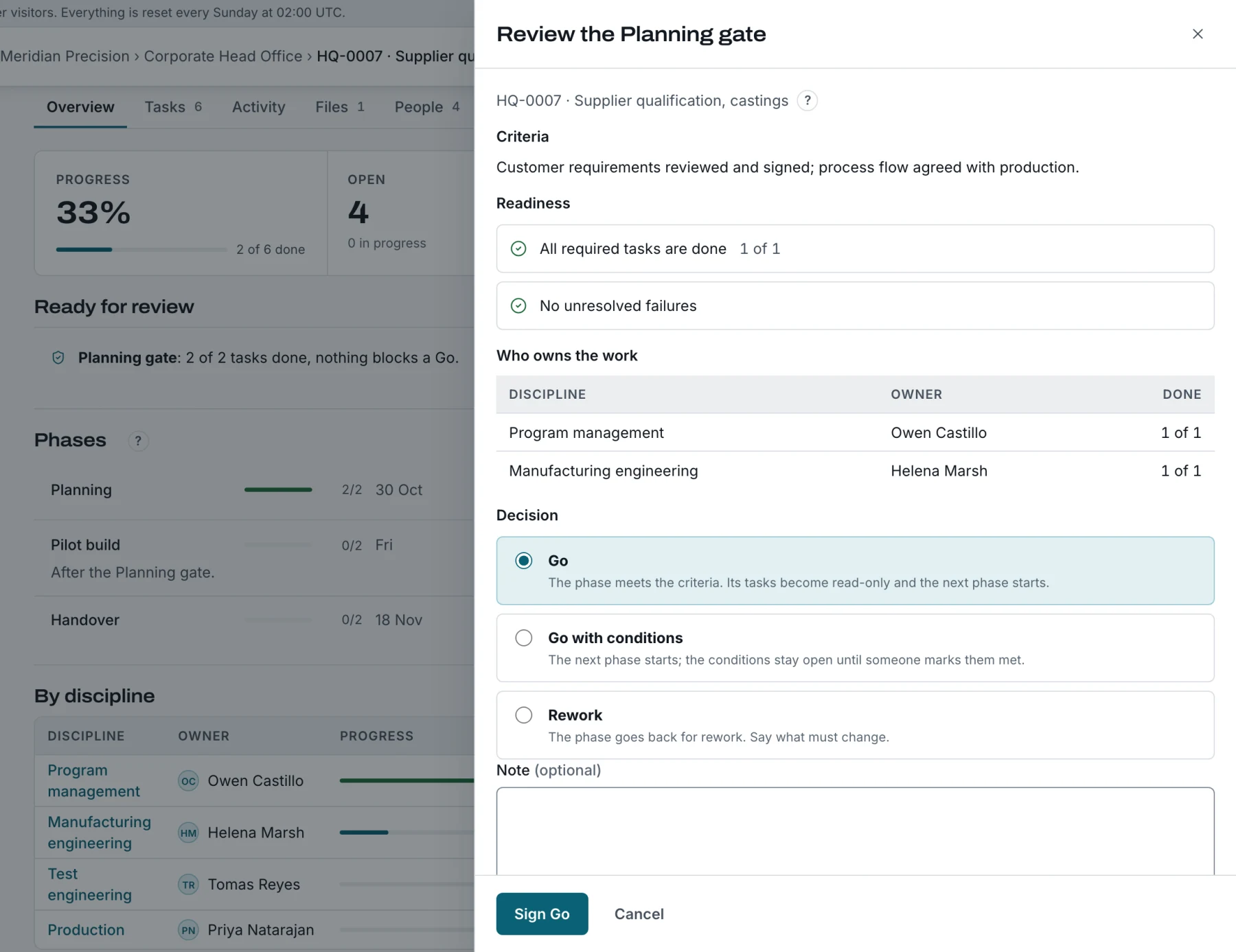
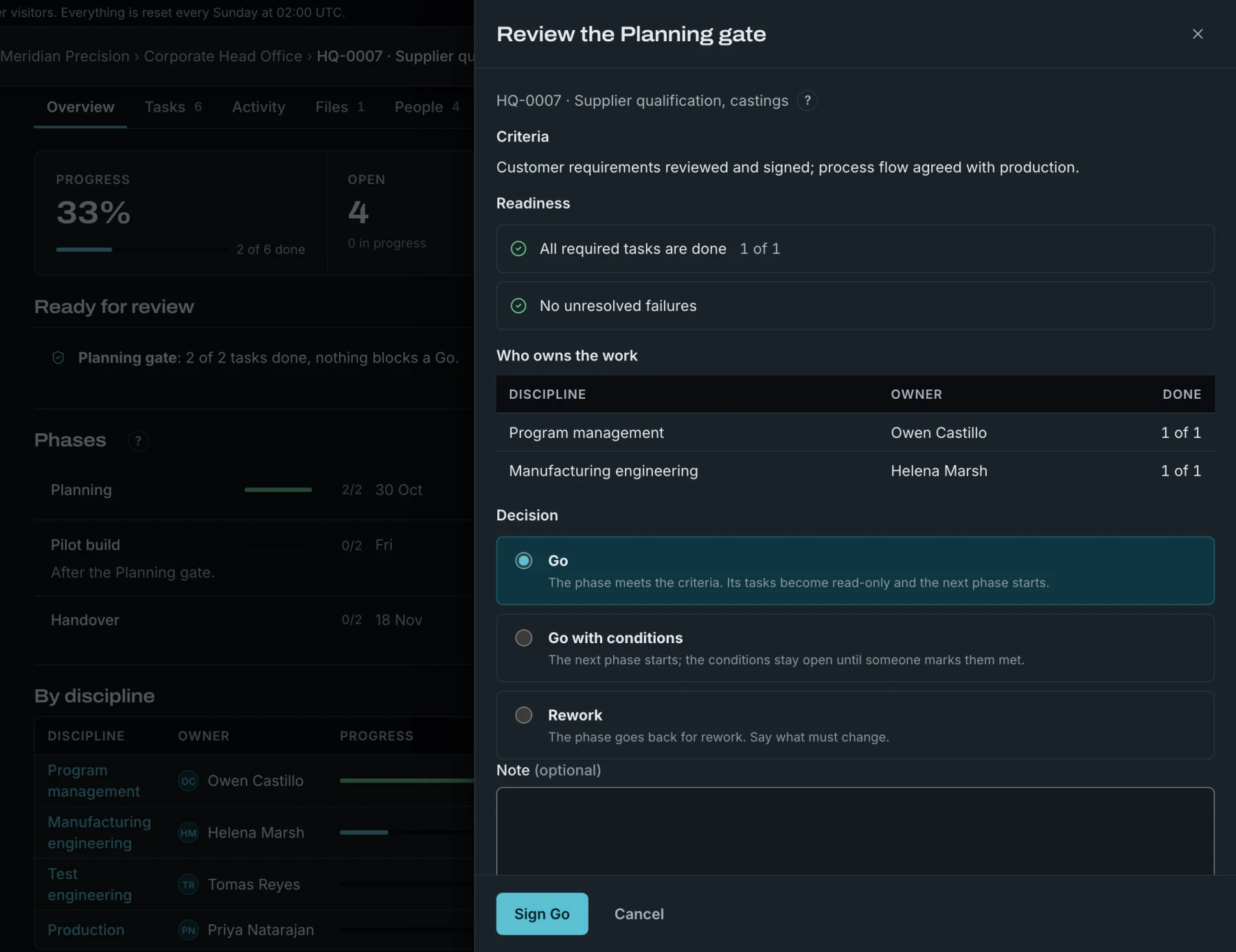
Gates that hold until someone signs
A project starts from an approved template version and keeps that snapshot. Each phase can end with a gate.
- The review shows readiness: required steps done, failures resolved, owners named.
- The signer decides Go, Go with conditions or Rework, with an e-signature.
- Later phases wait.
- Approved phases become read-only. Reopening one needs a reason and stays in the history.
- Conditions stay open until someone marks them met, and a project cannot close with a gate pending or a condition open.
- Waiting
- Ready for review
- Go
- Go with conditions
- Rework
Every step has an owner and a date
Name one owner per discipline for the project: quality, manufacturing engineering, test, supply chain, production and any others your company defines. Their steps are assigned to them by default, and a change of owner moves the open ones.
Templates carry lead times in working days; the project turns them into dates, net of company and site holidays. Move the project and open planned dates move with it; dates someone set by hand stay put.
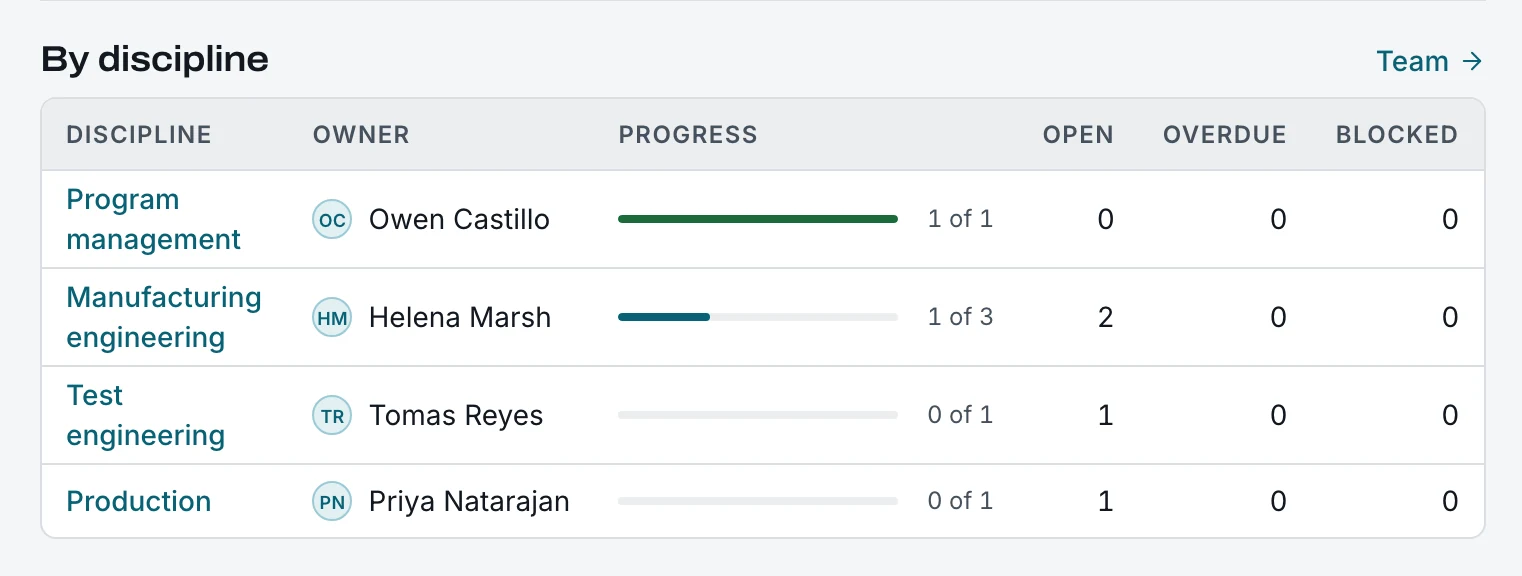
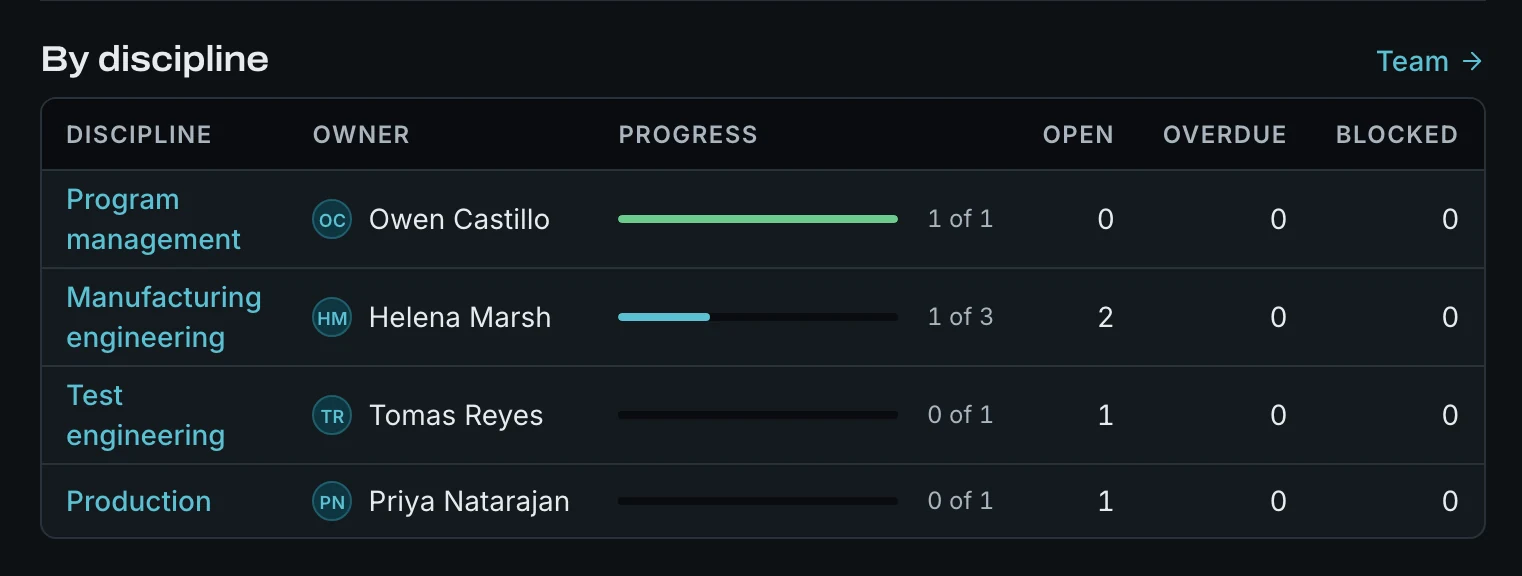
5Progress by discipline, as used in gate reviews.
Results the system checks, not just records
Numbers are checked against tolerance on the server. A failure always needs a reason. Failures are resolved by disposition (use as is, scrap, return to vendor) or by a passing re-check. Required steps cannot be skipped. Attach photos and documents as evidence, and comment on any step. The first article report is a print view of the project's record.
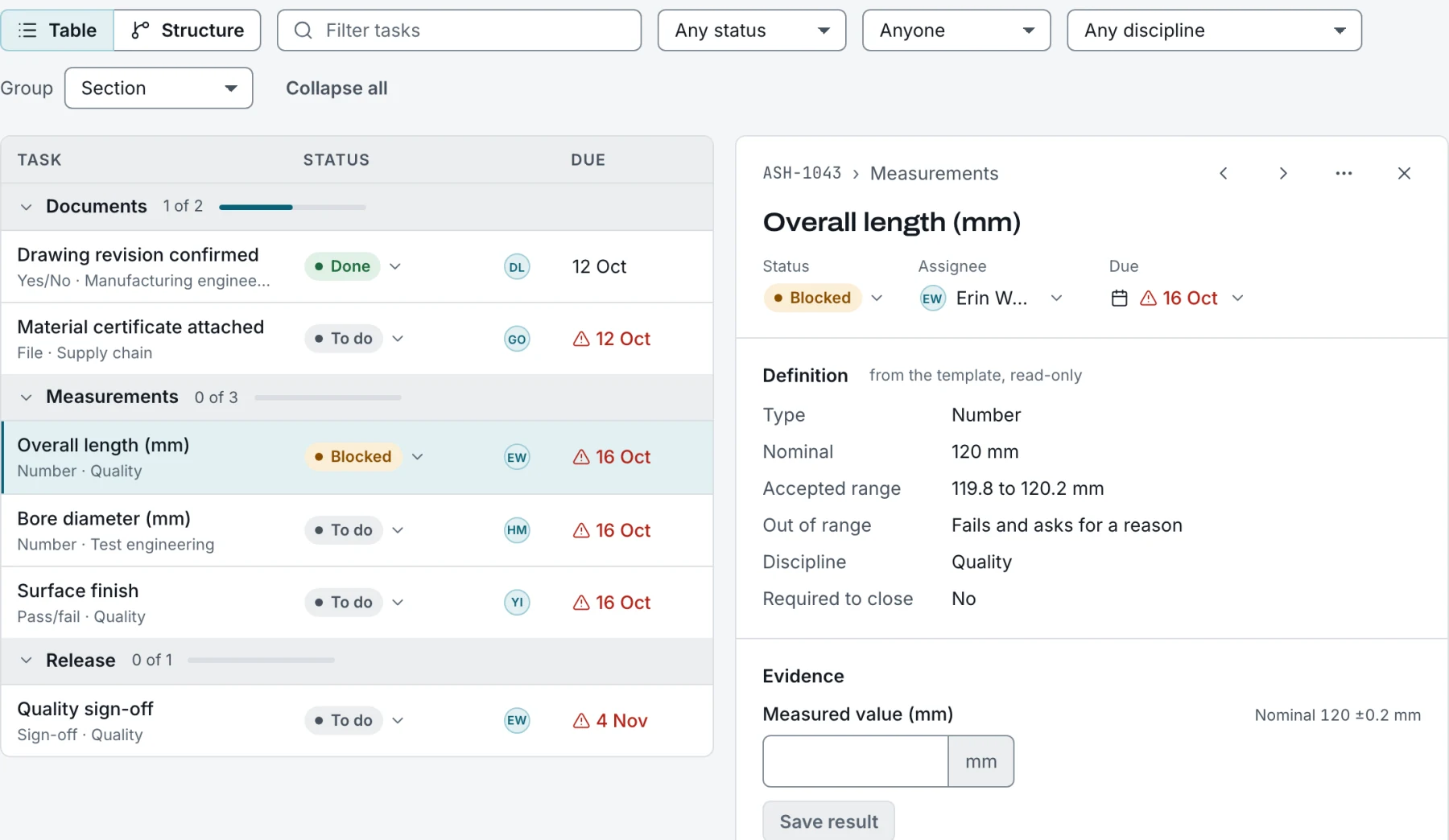
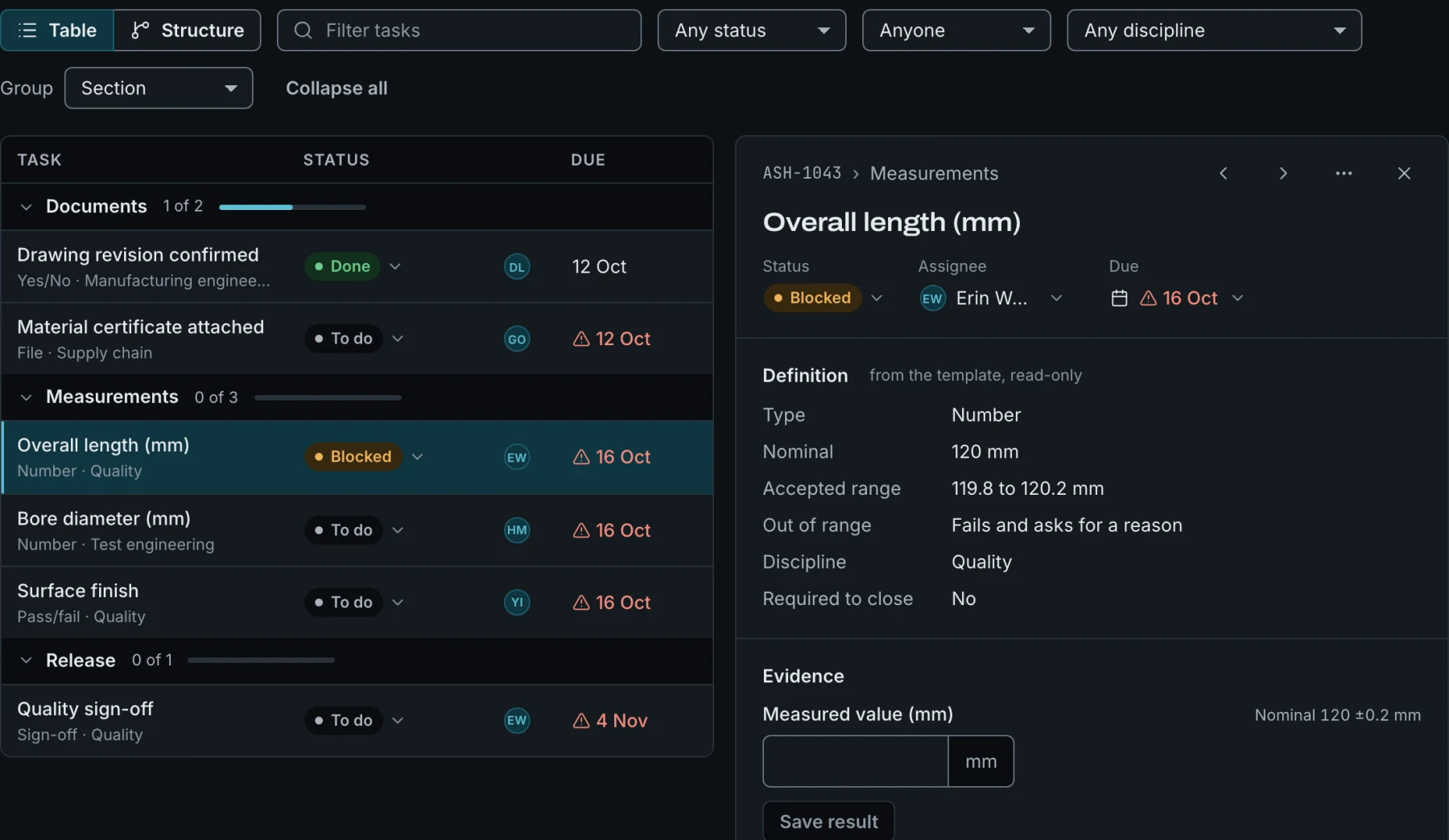
6The definition comes from the template and is read-only on the project.
Failures become corrective actions, and stay linked
Raise an 8D directly from a failed step, or from a customer complaint, an audit, a supplier or an internal finding. Each stage needs its section before moving on: containment, root cause, corrective action, verification. Closing is an e-signature, and the record locks.
Import your CAR history from CSV or XLSX and search it alongside new records. Each CAR shows similar past CARs, so a known root cause is found before it is worked out again. Copilot can draft any section, check the whole 8D before it closes, and write a summary for the customer, all for you to review.
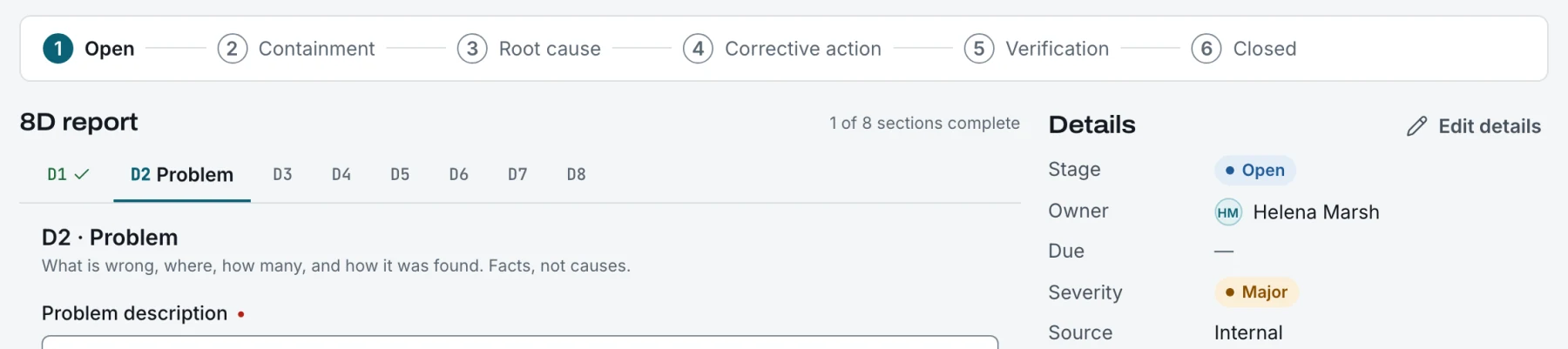
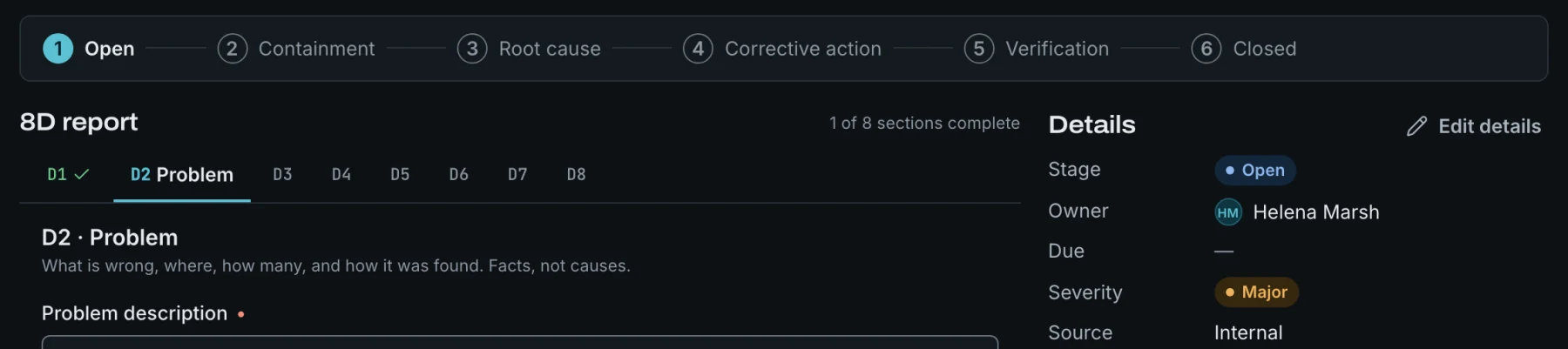
7Stage stepper and D1 to D8 sections on an open 8D.
The route from your MES, inside the project
Link a project to its route in your MES. TaskOptic reads the operations, workstations, subroutes and fail paths, and shows unit history by serial. If the MES is down, the last good read stays visible.
TaskOptic never writes to your MES. An approved route version exports as JSON or CSV for your own MES import.
- Any MES through the TaskOptic view contract: a few read-only views your IT team creates on PostgreSQL or SQL Server.
- Any MES with web services through the TaskOptic MES Connector API: six read-only REST endpoints, with a checker and a reference server for your MES team.
- 42Q, read directly.
- SAP Digital Manufacturing and Rockwell Plex through their APIs (beta).
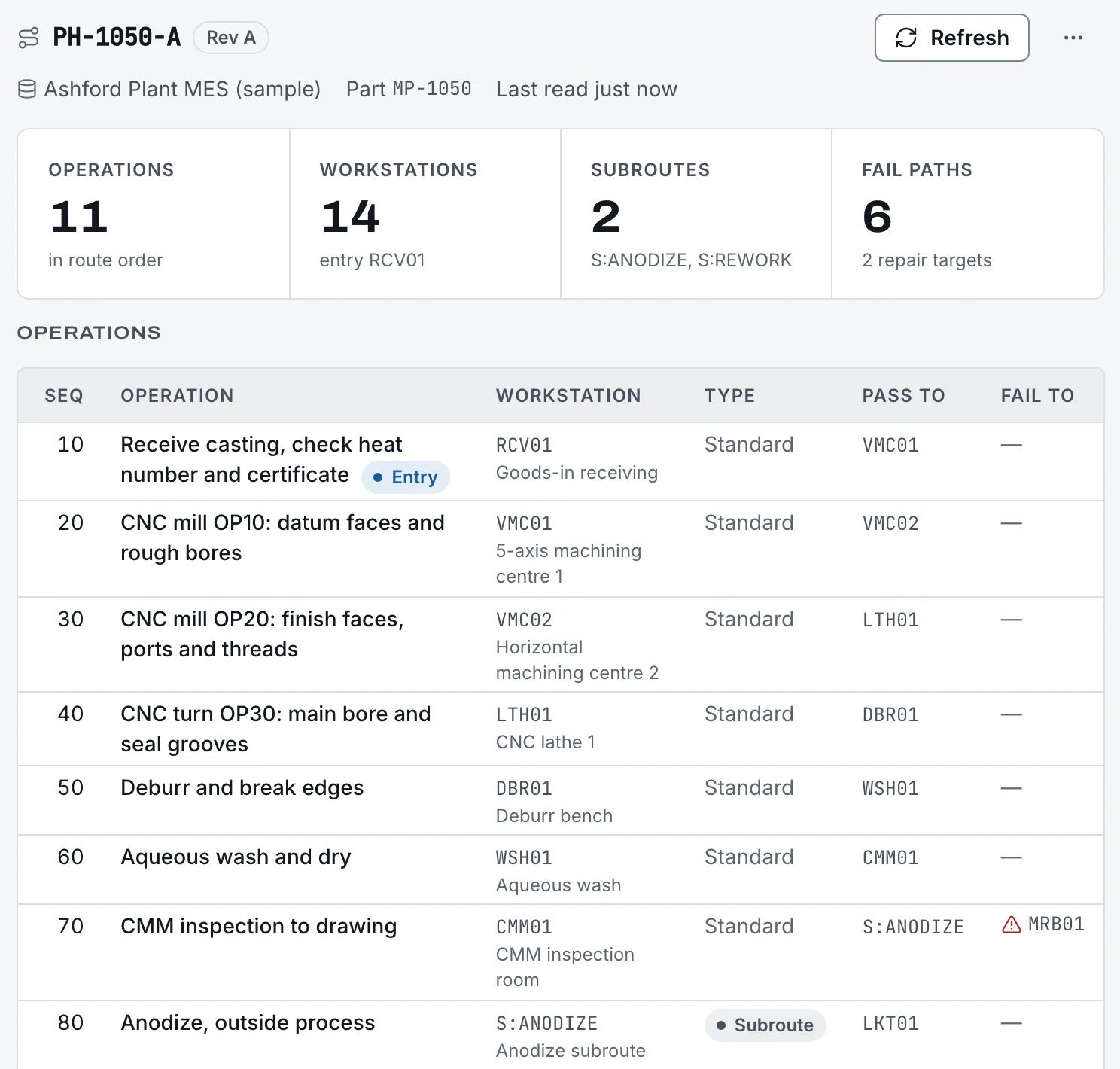
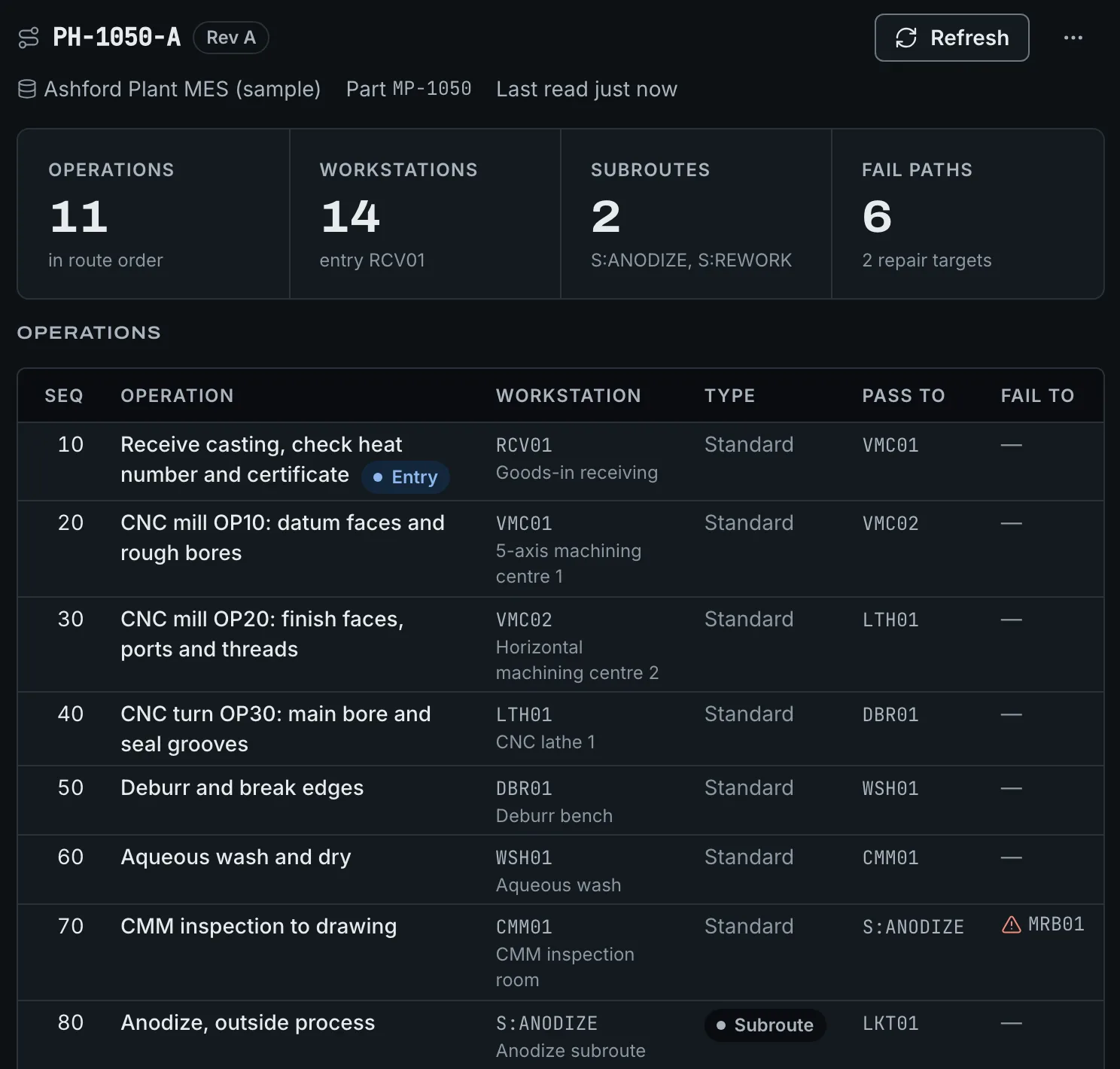
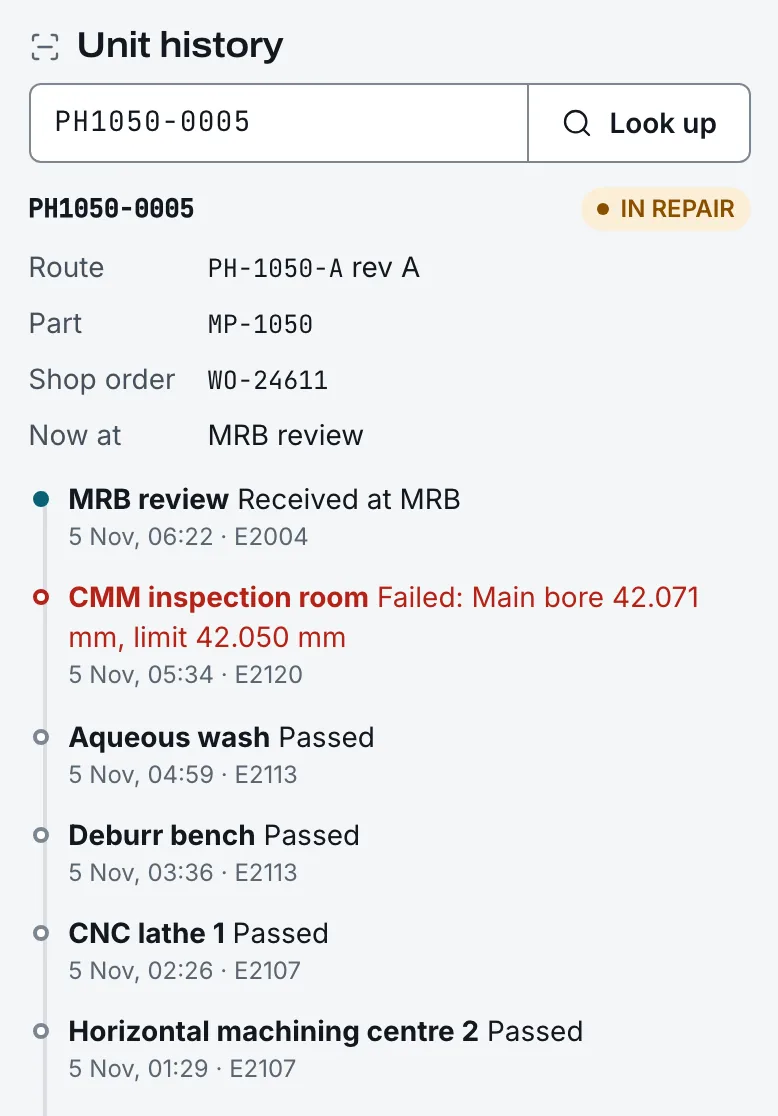
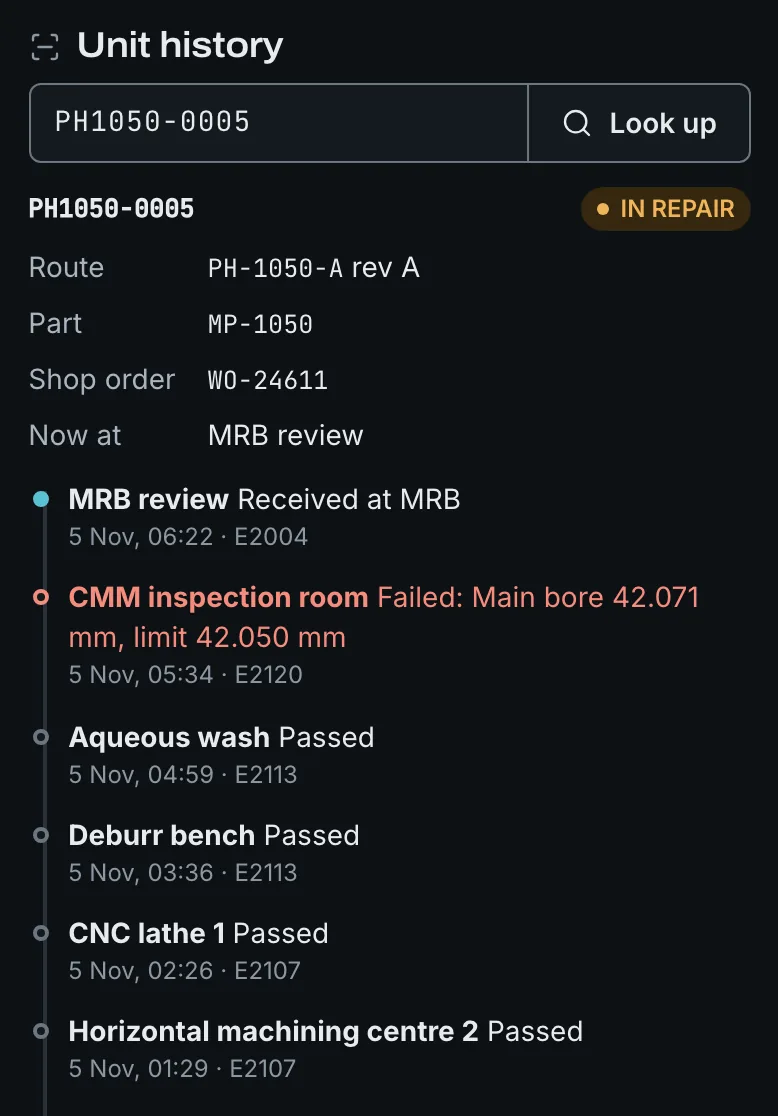
8Read from the MES, never written back. Look up any serial for its history.
Assistants draft. Engineers approve.
An assistant sits beside the work, and it only proposes. Every change it suggests is shown with Apply and Discard; nothing is saved, signed or published by the AI.
- Template assistant. Describe the process, pick a base template, or attach a procedure, spreadsheet or drawing, and it drafts the outline. It can add or remove steps, translate, learn from how past projects ran, and check the template against AS9102, AS9145, AIAG PPAP or ISO 13485 7.3.
- CAR Copilot. Drafts 8D sections, checks the 8D before it closes, and summarises it for the customer.
- Project assistant. Answers questions about a project, its tasks and its gates, from the project record.
- MES route drafts. A route version drafted from the linked MES route; it only becomes a version when an approver confirms.
Use the AI provider you choose: Anthropic, OpenAI, Google Gemini or a compatible endpoint, set for the installation or per company. Every AI request is recorded in your audit trail, attached files are sent only when a company admin allows it, and your data is not used to train models. Like every module, the AI features can be switched off for your company.
Connect your MES, your systems and your AI tools
TaskOptic has a documented REST API, so your other systems and scripts work with the same projects, CARs and templates your engineers do. A developer portal on your site has the full reference, examples and downloads.
- REST API. OpenAPI 3.1 reference, API keys or OAuth client credentials, scopes limited to the sites you choose, safe retries and standard error messages. API clients can read and create records but never sign, approve or close a gate.
- Webhooks. Signed notices when a CAR moves, a gate is decided or a project changes.
- AI tools through MCP. Connect Claude or another MCP client to TaskOptic. People sign in as themselves and see only what they could see in the app.
- MES Connector API. A small read-only REST standard any MES can offer, with an OpenAPI contract, a conformance checker and a reference server for your MES team. It sits beside the database views and the 42Q, SAP DM and Plex connectors.
- MES bridge. A reference integration that turns MES failures into corrective actions and sends CAR outcomes back to the plant, even where the plant takes no inbound traffic.
Evidence produced as you work
Every change records who, what, when, from where and the outcome. Events are hash-chained, so any gap or edit shows up when you verify the chain. Signatures carry their meaning and are bound to the signed content; verification reports if the content changed afterwards. Export the trail as CSV or JSON, or stream it to your SIEM.
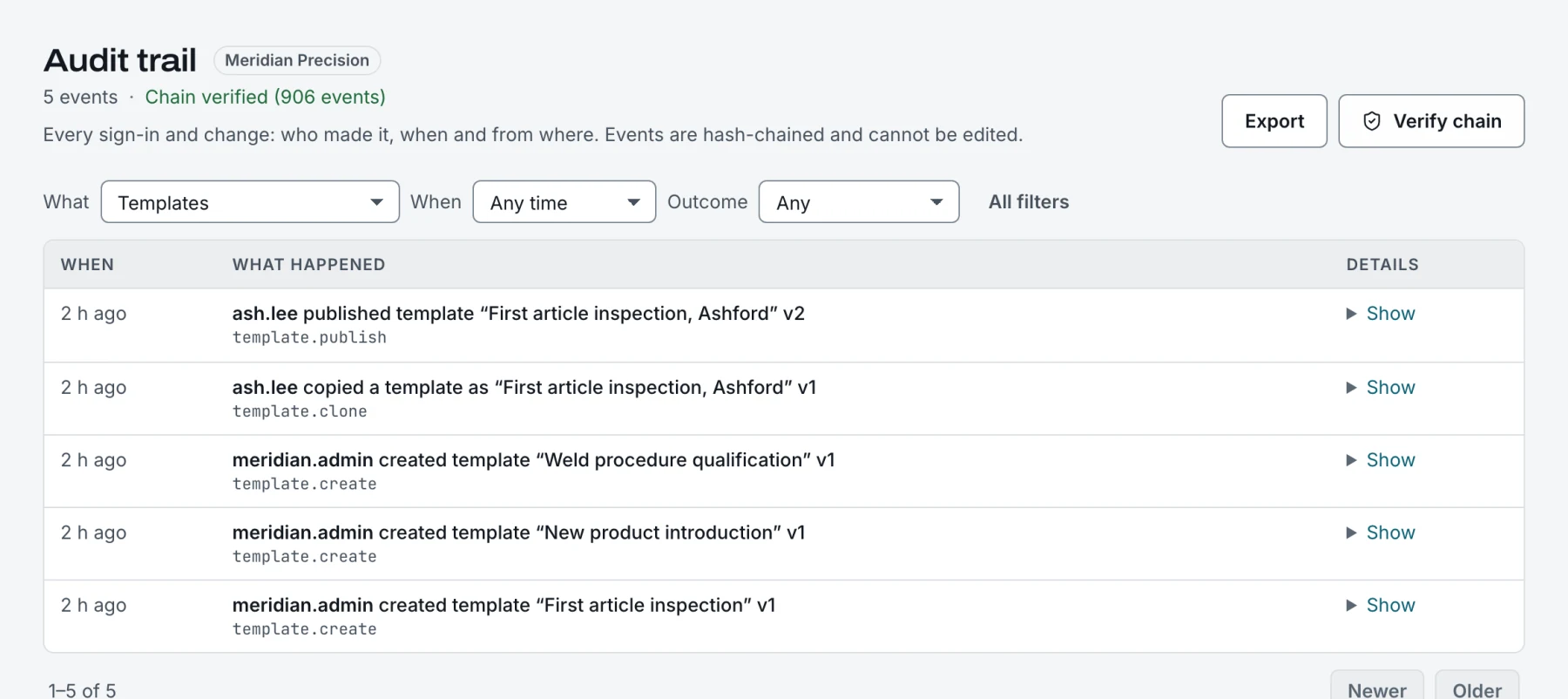
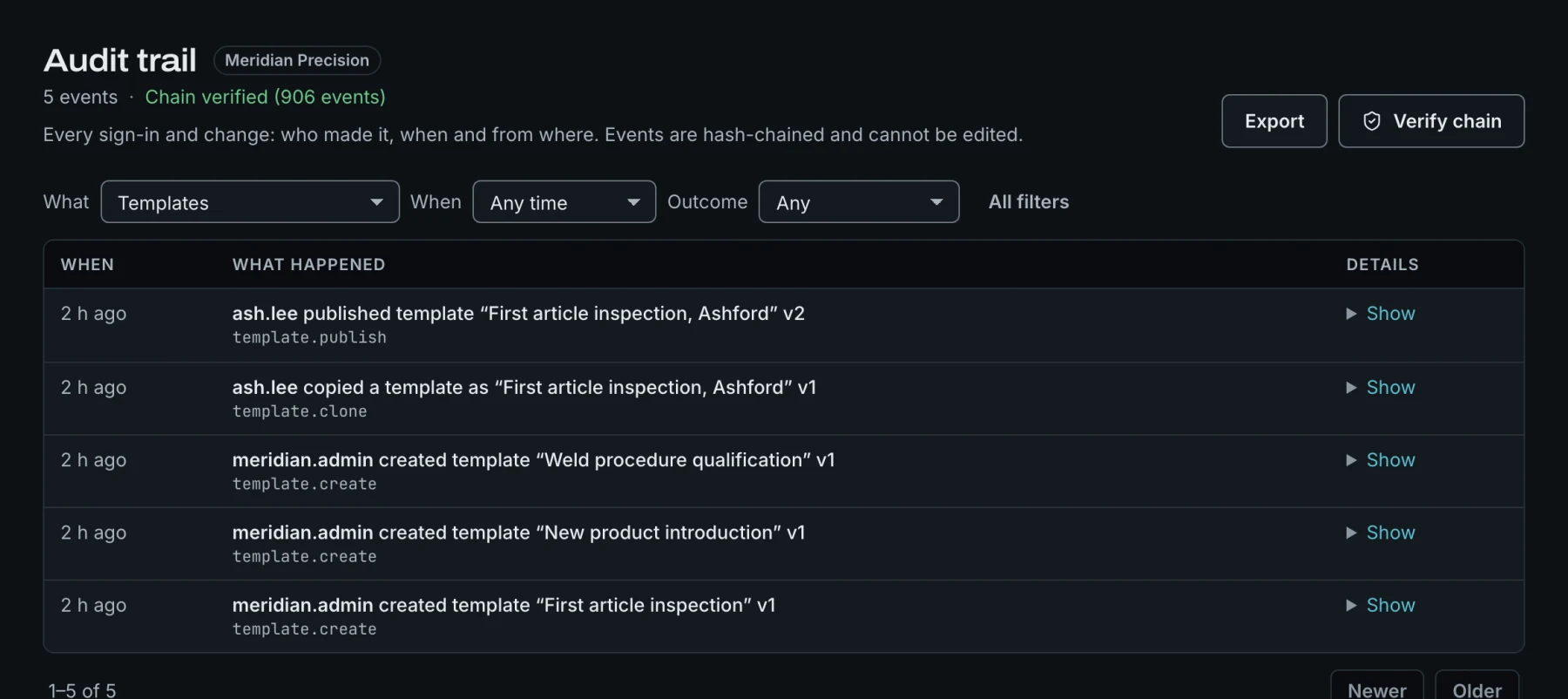
11Verified chain, with filters by what, when and outcome.
Modular
Turn on only what you use
Every module can be switched off per company, including the AI features. Start with templates and gates, and add corrective actions or the MES route link when you are ready.